5 Tasks Every Service Business Should Automate
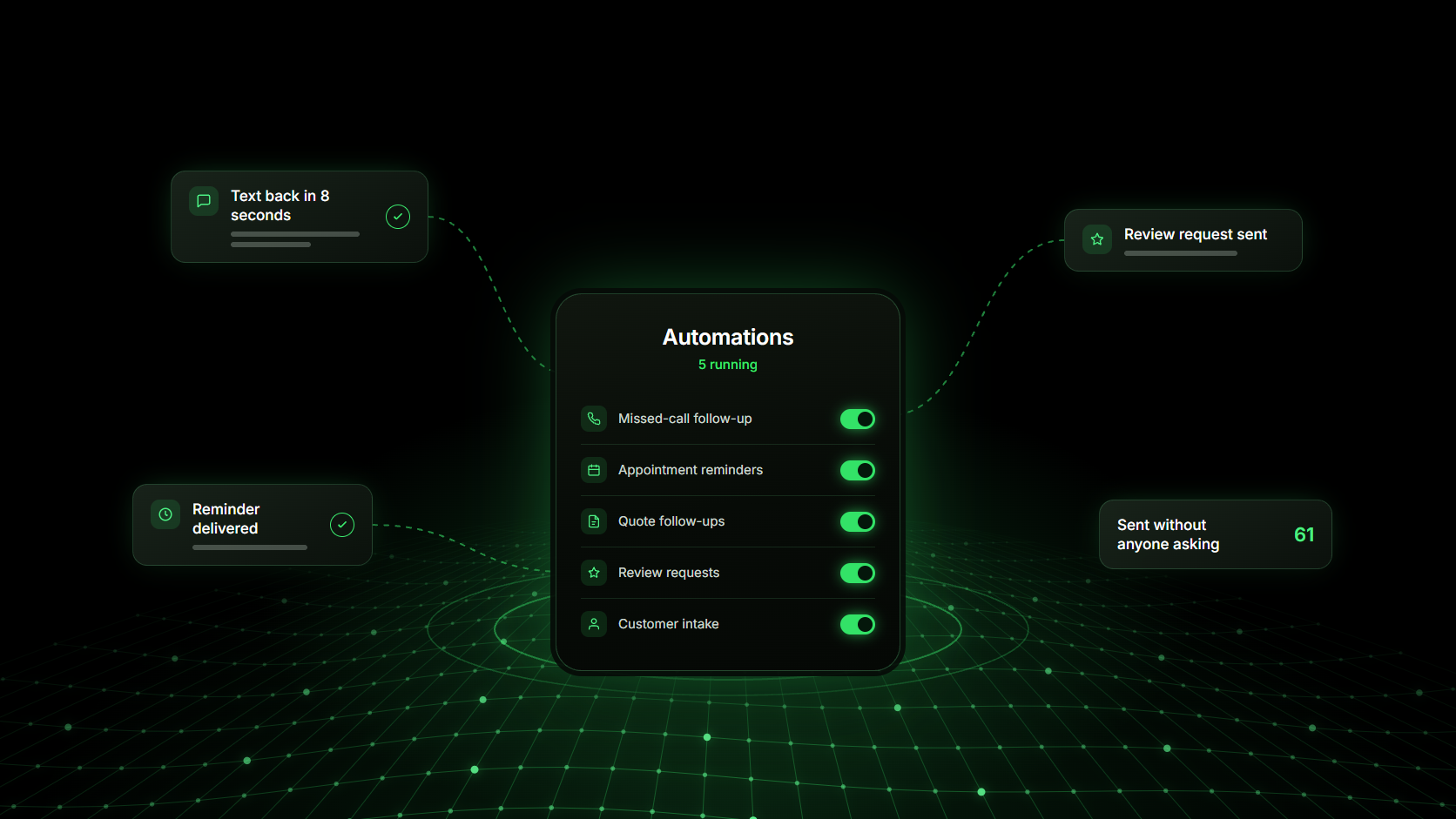
The five tasks worth automating first in a service business are missed-call follow-up, appointment reminders, quote follow-ups, review requests, and customer intake. They share the same shape: they repeat every week, they follow a rule you could write down, and each one quietly costs you money on the days you are too busy to get to it.
How to tell which tasks are worth automating
A task is worth automating when it passes three tests at once. Run any job on your list through them before you set anything up, because automating the wrong task creates more work than it removes.
It repeats: You do it several times a week in more or less the same way.
It follows a rule: You can say when it should happen and what it should say without stopping to think.
It costs you money when it is skipped: A forgotten reminder becomes a no-show. A forgotten follow-up becomes a lost job.
The five tasks below pass all three tests for almost every service business, which is why they are the ones to start with.
1. Missed-call follow-up
A missed call is the most expensive thing that happens in a service business. The caller is ready to buy, they are holding their phone, and the next business in the search results is one tap away.
Automating this does not have to mean answering every call yourself. At minimum, it means no missed call ends in silence: the caller gets a text back within seconds, the request is logged, and you get their number and what they wanted.
The stronger version is to stop missing the call at all. An AI voice agent answers on the first ring, asks what the customer needs, and passes you the details afterwards. For trades where calls arrive while you are on a job, such as HVAC and heating, this is usually the single highest-value change available.
2. Appointment reminders and confirmations
No-shows are a steady, quiet leak. A customer books three weeks out, forgets, and the slot empties with no time left to refill it.
A reminder sequence usually needs only three messages:
- A confirmation as soon as the booking is made, with the date, time and address
- A reminder the day before, with a one-tap way to reschedule
- A short note on the morning of the appointment
Giving people an easy way to move the appointment matters as much as reminding them. A rescheduled slot can be refilled; a no-show cannot. This is worth the most in businesses that sell time in blocks, such as hair salons and dental practices.
3. Quote and estimate follow-ups
Most quotes are not rejected. They are never answered. The customer meant to reply, got busy, and the job went to whoever checked in first.
A two-step follow-up covers nearly all of it. Send a short check-in a few days after the quote goes out, then a final message about a week later. Both should offer to answer questions rather than push for a decision.
The rule that makes this safe is the stop condition: the sequence ends the moment the customer replies, accepts, or declines. Without it, automated follow-up turns into nagging.
4. Review requests after a completed job
Ask for the review the day the job finishes, while the customer is still pleased with the result. That timing does more for your review count than any wording change.
Asking manually means asking inconsistently, usually only when work is slow enough to remember. Triggering the request from the completed job means every happy customer gets asked once, at the right moment, without anyone having to think about it.
Reviews are also how the next customer decides whether to call you at all, which makes this the one automation on the list that feeds your pipeline rather than just protecting it.
5. Customer intake and record keeping
This is the least visible task on the list and the one that causes the most rework. Details end up split between a notes app, a text thread, a paper diary and someone’s memory, so nobody can answer a simple question like when this customer last came in.
When intake is automated, every enquiry lands in one place with the same fields filled in:
- Name and contact number
- What they asked for
- Where the job is
- When they want it done
- How they found you
- What was quoted or booked
That record is what makes the other four automations possible, because every reminder and follow-up needs to know who it is going to and what it is about.
How to set up your first automation in a week
Start with one task and keep the wording you already use. The most common failure is changing how the business sounds at the same time as automating it, because customers notice the new tone long before they notice the speed.
What service business automation should not handle
Keep pricing negotiations, complaints, unusual jobs and any upset customer with a person. Automation is for the repeated, predictable parts of customer communication, and those four are none of those things.
The goal is not to remove yourself from the conversation. It is to stop spending the day on the messages that never needed you, so you have time for the ones that do.
Running all five in one place
The five tasks work best when they share the same customer records. Run them in five separate tools and you get five copies of the customer, none of which agree.
Exydio connects them: calls are answered by an AI voice agent, bookings sync to your calendar, reminders and follow-ups send on their own, and everything the customer told you stays on their record. You can see the plans on the pricing page, or find your trade on the industries page.
Frequently asked questions
- Which task should a service business automate first?
- Missed-call follow-up. It is the only one on the list where the customer is actively trying to give you money, and the only one where a delay of an hour can lose the job outright.
- Will automated messages make my business feel impersonal?
- Only if you change how you write. Use the wording you already use on the phone, keep messages short, and always leave an obvious way to reach a person. A reply in ten seconds usually reads as attentive, not automated.
- How many reminders should I send before an appointment?
- Three is enough for most businesses: a confirmation at booking, a reminder the day before, and a short note on the morning. Add a fourth only if you sell high-value slots that are hard to refill.
- Do I need separate tools for each of these five tasks?
- No, and separate tools are usually the problem. Each task needs the same customer record, so running them in one system avoids duplicate contacts and reminders that fire for appointments that were already moved.
- How do I stop follow-ups going to customers who already replied?
- Set a stop condition when you build the sequence. A reply, a booking, or a payment should end it immediately. Any follow-up without a stop condition eventually annoys the customer you just won.